Categories, items, your order
Group what you sell into categories, fill each with items that carry a photo, a price and a description, then drag either into the order a customer should meet them in.
Build your brand with a beautiful bilingual digital menu within minutes.
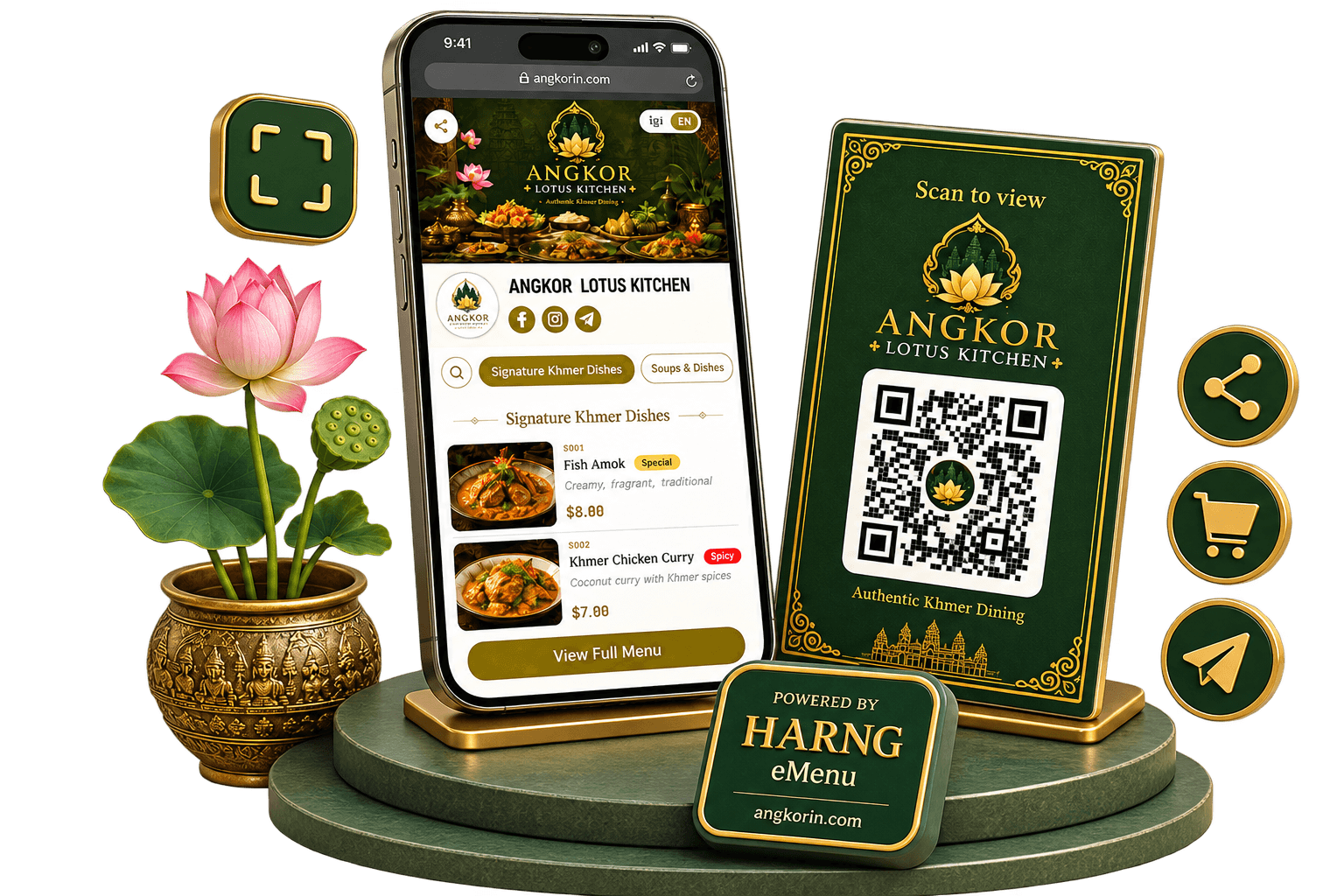
Harng is a Khmer e-menu platform and online store builder for restaurants, cafés and shops in Cambodia. Put your menu or products online in Khmer and English, share them with one QR code, take QR orders, and open the same shop inside Telegram as a Minishop — free to start, with nothing for customers to install.
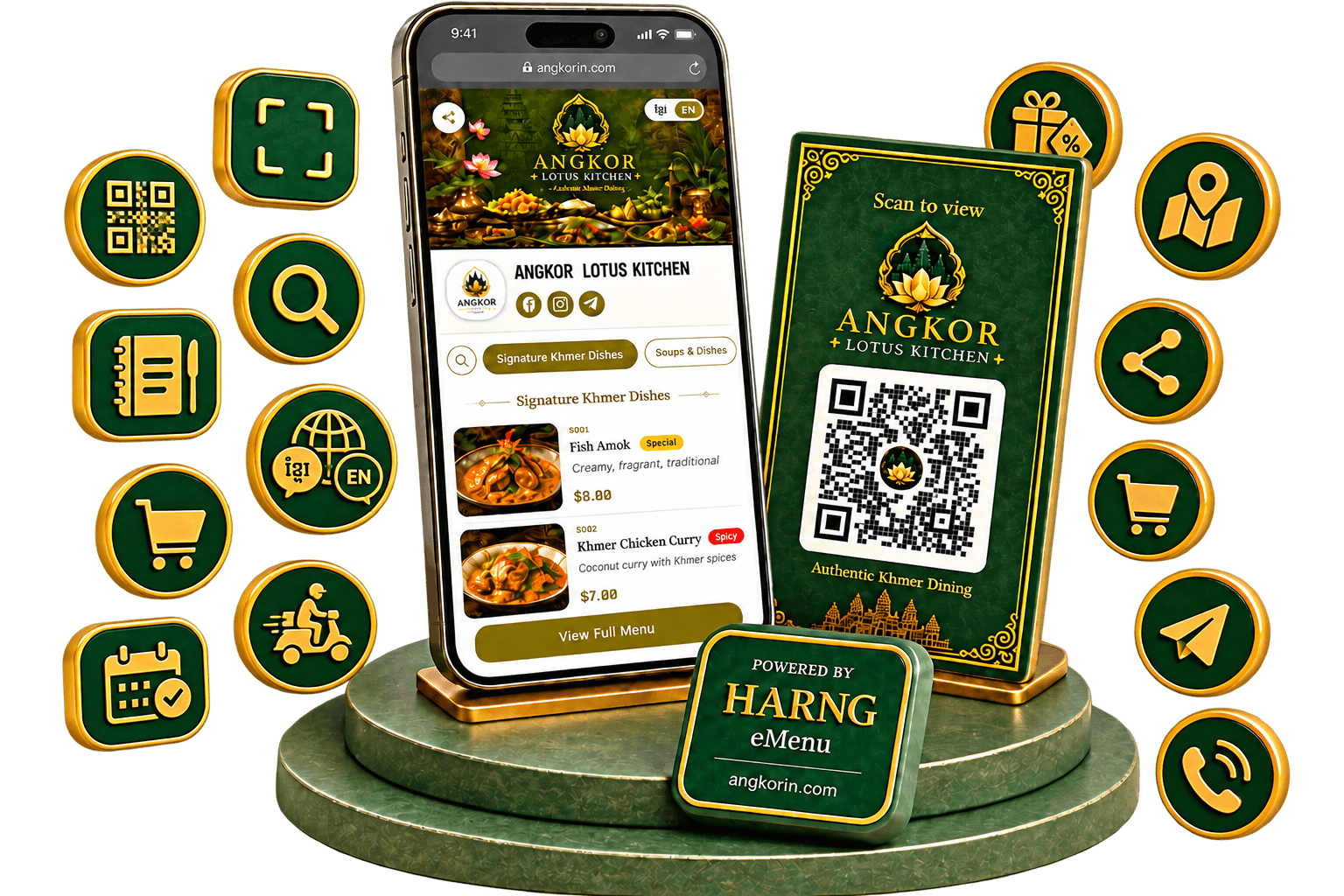
A digital menu in Khmer and English, with photos and riel or dollar prices. One QR code on every table, and it never needs reprinting.
On plans with ordering, customers scan, choose and send their order from their own phone. It reaches your Telegram with the items, the total and their details.
Not only food: sell clothes, cosmetics, gifts or any product from a Khmer online store with your own link, layouts made for products, and room for more shops as you grow.
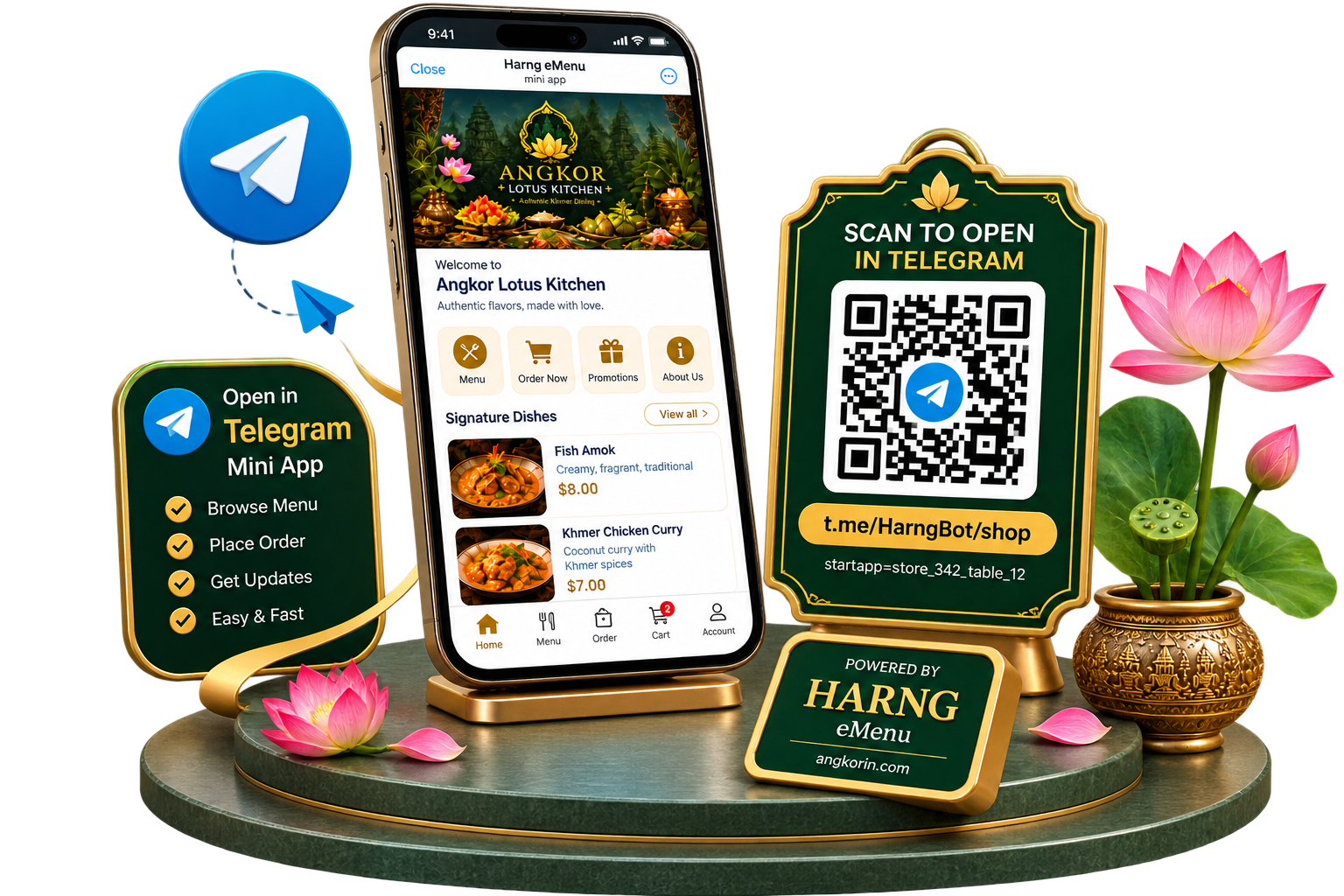
The same shop opens inside Telegram as a Mini App from one t.me link — a Khmer shop platform that lives where your customers already chat.
Create a polished digital menu with your colours, typography, imagery, and style.
7 designs to start from — customise each one to match your business.
List with big thumbnail & price
The same storefront opens as a Telegram Mini App from a single t.me link — nothing for the customer to install, and every order lands in your own Telegram.
Share a t.me link in any chat, channel or bio. Tapping it opens your full catalogue as a Mini App — no app store, no signup.
Your web storefront and your Minishop are one shop: the same products, prices, colours and templates, kept in step automatically.
Orders arrive in your Telegram with photos — and buyers inside the Mini App are identified by Telegram itself, so you can reply to them directly.
Build the catalogue, dress the page, take the order, share the code, send the invoice — and let your team help. One dashboard, six sides to it.
Group what you sell into categories, fill each with items that carry a photo, a price and a description, then drag either into the order a customer should meet them in.
Every name and description holds both languages at once, and the customer picks the one they read. One menu, not two.
Small, medium and large — or riel beside dollars — on a single item. Cut a price and the old one stays beside it, struck through.
A plain menu, a restaurant card, a landing page you write yourself, a shop with a cart, or a whole website with a page for every product. Same business, same link — changing between them is a switch, not a rebuild.
Layouts, colours, typography, backgrounds, patterns and cover frames, all chosen from the designer. Nothing to install and nobody to hire.
Logo, cover, name, what you do, phone, map, opening information and your Facebook, Telegram or TikTok — written once and read everywhere the shop appears.
Customers add what they want, choose the size they want it in, and send the whole basket — with nothing to install and no account to make.
Take them through the cart, take them by telephone, or take none at all and leave the page as a catalogue. Your choice, changed whenever you like.
Each one gets a code the customer can quote, alongside their name, their phone, every line they chose and what it comes to.
Customer, dates, currency, lines, quantities and unit prices. Every total, discount and tax is worked out for you, so the paper and the record cannot disagree.
Five on every plan and the premium four with the plans that include them, each with an accent colour so the page looks like it came from your business.
It is saved before it is printed, so a real invoice number can never sit on paper beside figures your records do not have.
Your team get their own usernames and passwords instead of sharing yours, so nobody has to pass the account around to fix a price.
Assign someone to one shop, reset their password the day they forget it, and switch the login off the day they leave.
One trail across the whole business — your edits and your team's — filtered by shop, and there to read back whenever a figure looks wrong.
Mark something Popular, New or Spicy in your own words, and choose the background and text colours so the label belongs to your page.
Add more than one picture to anything you sell, so a customer can see it properly before they decide.
Switch off one item, or a whole category, for as long as it is unavailable. Everything you typed waits untouched for the day it comes back.
Your QR code always opens your live menu. Change a price, photo, item or entire category and the same QR code keeps working.
Let customers scan the menu as soon as they sit down.
Add your QR code to existing printed menus as a digital option.
Let people explore your menu before they even walk inside.
Share your menu directly through messages, websites or anywhere online.
Put your menu link on Facebook, Telegram, TikTok or your social profiles.
Give customers an easy way to find your menu again after their visit.
Scan to view our menu
harng.angkorin.com
Launch your digital menu, manage orders, and unlock more tools as your business grows.
Includes
For single shop with e-menu
$2.49/mo if you pay yearly
Get startedIncludes
For a shop that wants its page to look its best
$3.74/mo if you pay yearly
Get startedIncludes
For a shop that takes orders online
$9.99/mo if you pay yearly
Get startedIncludes
For several branches under one account
$20.82/mo if you pay yearly
Get startedIncludes
Every plan includes your digital menu, QR code and Khmer + English support. Change plans anytime. View pricing questions or talk to us about what your business needs.
Still unsure about something? Contact us and we will help you get started.
Harng is a Khmer e-menu and online store platform for Cambodia. Restaurants, cafés and shops use it to publish a bilingual digital menu or product catalogue, share it with one QR code, take QR orders, and open the same shop in Telegram as a Minishop. It was built in Cambodia by Angkorin, and you can start for free.
Any business in Cambodia that sells from a menu, a price list or a product catalogue. Restaurants, cafés, bars, bakeries and street-food stalls use Harng as a QR menu; cosmetics and perfume shops, fashion, shoe, jewellery and watch stores, barber shops and bookstores use it as an online store — in Khmer and English, shared with one QR code.
The best e-menu platform is the one your customers can read and your team can keep up to date. In Cambodia that means Khmer and English on the same menu, prices in riel and dollars, a QR code that never needs reprinting, orders that reach you on Telegram, and a free plan to try it first. Harng was built around exactly those needs — try the free plan and judge it on those points.
Yes. Harng is also an online store platform: list products with photos and prices in Khmer and English, choose a layout made for products, and share your shop's link or QR code. On plans with ordering, customers fill a cart and send you the order on Telegram, with nothing to install.
A Minishop is your Harng shop opened inside Telegram as a Mini App. One t.me link opens the full catalogue in the chat app your customers already use, with the same products, prices and design as your web storefront, and orders come to your own Telegram.
Print your Harng QR code for the table, counter or door. Customers scan it with their phone camera, browse the menu, add items to a cart and send the order, with no app to install. On plans with ordering, it reaches your Telegram with the items, the total and their details, and you confirm it and get paid the way you already do.
No. Customers simply scan your QR code or open your link in their browser. There is nothing to download and no account is required.
Yes. You can add Khmer and English names and descriptions to the same menu, and customers can switch between languages.
Yes. You can let customers contact your business through Telegram or phone directly from your menu. You can also turn contact actions off and use Harng purely as a digital menu.
Yes. Items can have multiple prices, so you can show riel and dollar amounts or use the extra prices for different sizes or variations.
No. Your QR code always points to your business page. Update prices, photos, items or categories and the same printed QR code continues to work.
Simply hide it. The item disappears from the customer menu while keeping its photos, prices and information ready for when you want to show it again.
Yes, on plans with staff access. Each team member can have their own login and changes can be recorded in the activity history.
Yes. Choose from menu layouts, colours, typography, backgrounds, covers and your own logo to create a menu that feels like your business.
Yes. Customer menus are designed mobile-first for easy scanning at tables and counters, while your management dashboard also works on larger screens.
Ordering, yes — on the plans that include it. Customers fill a cart on your page and send you the order, and every order is kept with its own code, the customer's details and everything they chose. Payment and delivery are not part of Harng: the order arrives in your Telegram and you settle it with the customer however you already do. Stock counts and point of sale are planned for a later phase.
Yes. You can start with the free plan without entering a credit card. Check the pricing section to see what is included in each plan.
Create your digital menu today, share one QR code and keep your prices, photos and items current whenever your business changes.